To manage availability across several event spaces, put every space on one calendar, write down which spaces block which, and record holds, setup and breakdown as time that is not available. A date is only free if every space it depends on is free for the whole block, including turnover. Most double bookings come from a rule that lived in someone's head.
What is the unit of availability?
The unit is a space for a time block, not a day. Decide this first, because it changes how everything else works. A venue that sells a whole day can use whole-day blocks. A venue that runs a lunch event and an evening event in the same room needs time blocks.
Write down each block you sell, for example:
- Full day, setup to breakdown.
- Daytime and evening, with a gap between them.
- Hourly, with a minimum number of hours.
Each block has an earliest start and a latest end, and that includes setup and breakdown. A wedding that ends at 11 p.m. with a midnight breakdown blocks the room until midnight, even if the contract says 11.
Sample quote
On a double-event day, I write the reset time on the calendar as its own entry. If it isn't on the calendar, the next event won't get that time.
 Samir HaddadGeneral Manager, Alderwood Pavilion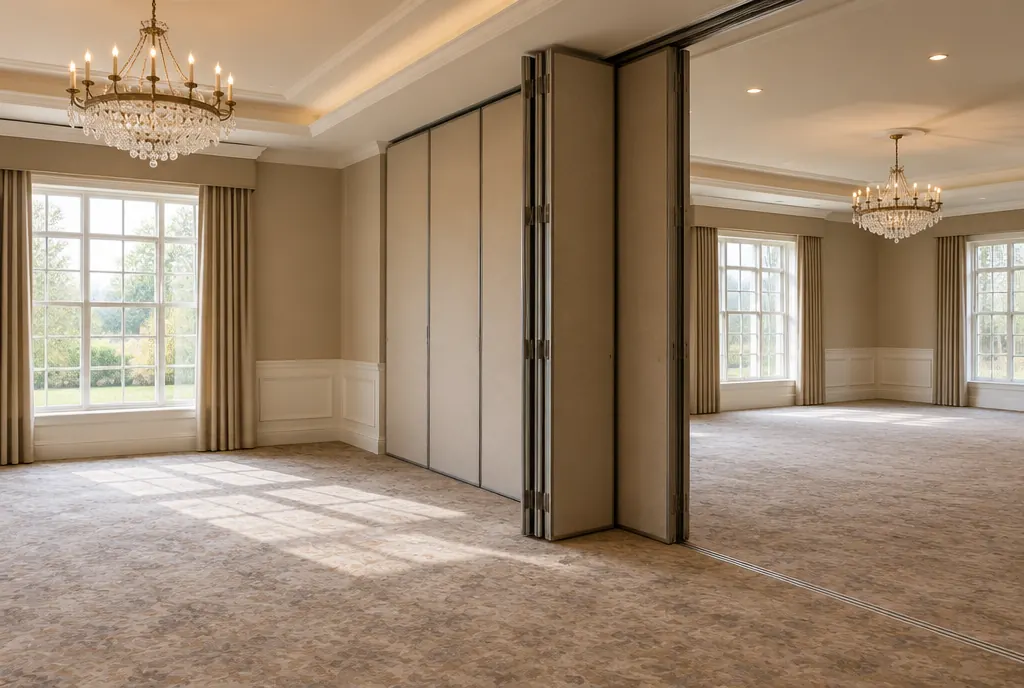
How do I model combined and split spaces?
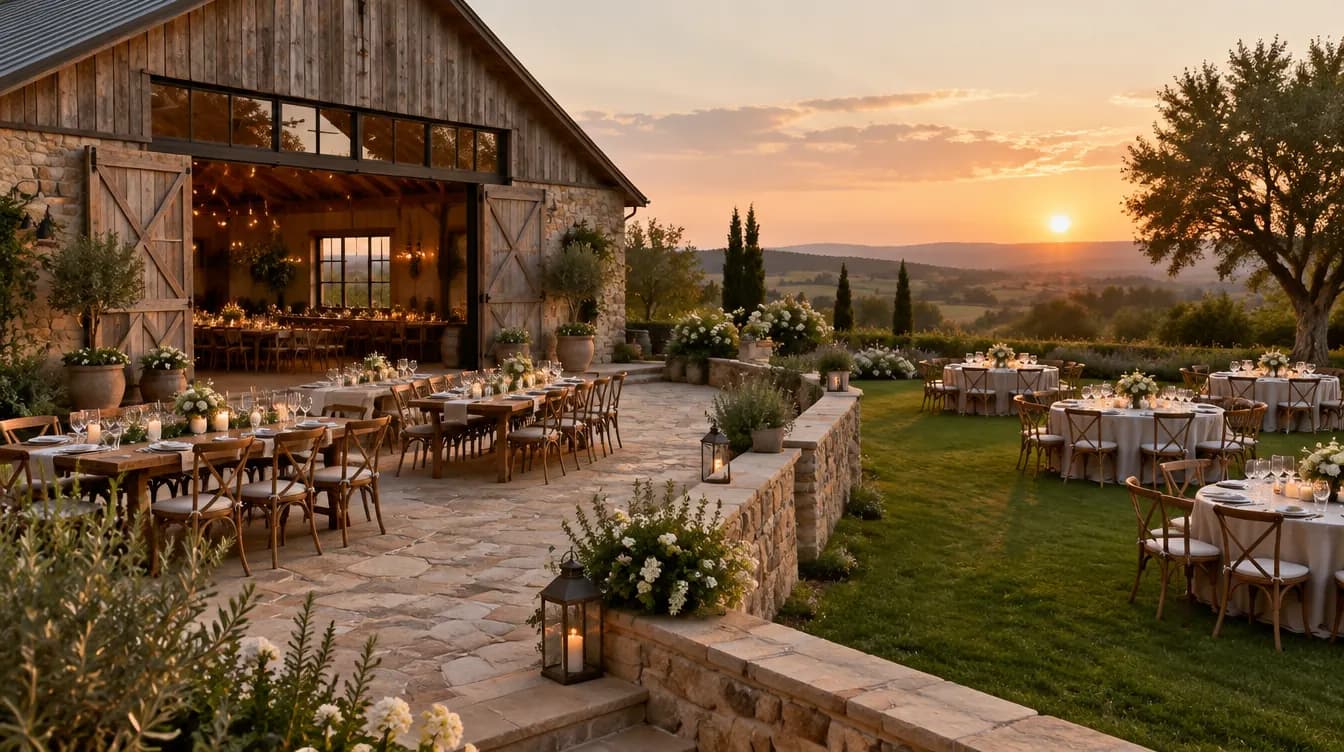
List every space, including the combined ones, and write which spaces each one blocks. A venue with a barn, a garden and a terrace might sell:
| Space to sell | Also blocks |
|---|---|
| Whole venue | Barn, garden, terrace |
| Barn | Whole venue |
| Garden | Whole venue |
| Terrace | Whole venue |
| Barn and terrace | Whole venue, barn, terrace |
That table is an example, and your own will differ. The rule is always symmetrical: if booking the whole blocks the parts, booking a part blocks the whole. Shared resources, such as a kitchen, a bridal suite or a parking area, belong on the same table, because two events in different rooms may still need the same kitchen.
How should I record holds, setup and breakdown?
Record each hold as a booking with a status and an expiry, and block setup and breakdown as their own time. A hold without an expiry date becomes a booking by default. Use the same calendar, so your team sees held dates the same way as signed ones.
Handle turnover with a fixed buffer. If you need two hours to reset a room between events, add that to every event in the calendar, not to your memory.
What goes wrong with separate calendars?
Separate calendars hide the rules. One for the barn, one for the garden and one for the tent each looks right alone, and the conflict only appears when someone books the whole venue. The fix is a single view with all spaces on it. In a spreadsheet, that is a grid with one row per space and one column per day, with merged cells for combined bookings. It works, but it relies on people to keep it right. That is where software helps: it can check conflicts when you create a booking.
How can software help with availability?
Software can refuse a booking that conflicts with another one, which a spreadsheet cannot do on its own. VenueDirector, which is in early access, has a calendar of every space with availability and conflict checks, so a room cannot be double-booked. It does not yet cover everything in a full venue system. [REVIEW] For a view of what to look for, see what venue management software is and when to switch from spreadsheets.
How do I know my calendar is working?
Measure it. Occupancy shows how many dates you fill, by month and by space, and it tells you which spaces sit empty. The venue occupancy rate calculator does the arithmetic. If a space is empty most weekdays, our guide to filling weekday and off-season dates covers what to try. Each month, compare your calendar to your signed contracts, date by date. Any mismatch points to a hole in your process.